"Allergy menu" means different things to different people. To a customer with a peanut allergy, it's the document that decides whether they'll eat with you. To an Environmental Health Officer, it's evidence that you take the Food Information Regulations seriously. To a chef, it's the thing that has to stay accurate when the menu changes on Friday.
This guide explains what a UK allergy menu actually is, what every one needs to contain, and the common wording mistakes that turn a well-intentioned document into a liability.
Allergy menu, allergen statement, PPDS label – what's the difference?
These three terms get used interchangeably and shouldn't be:
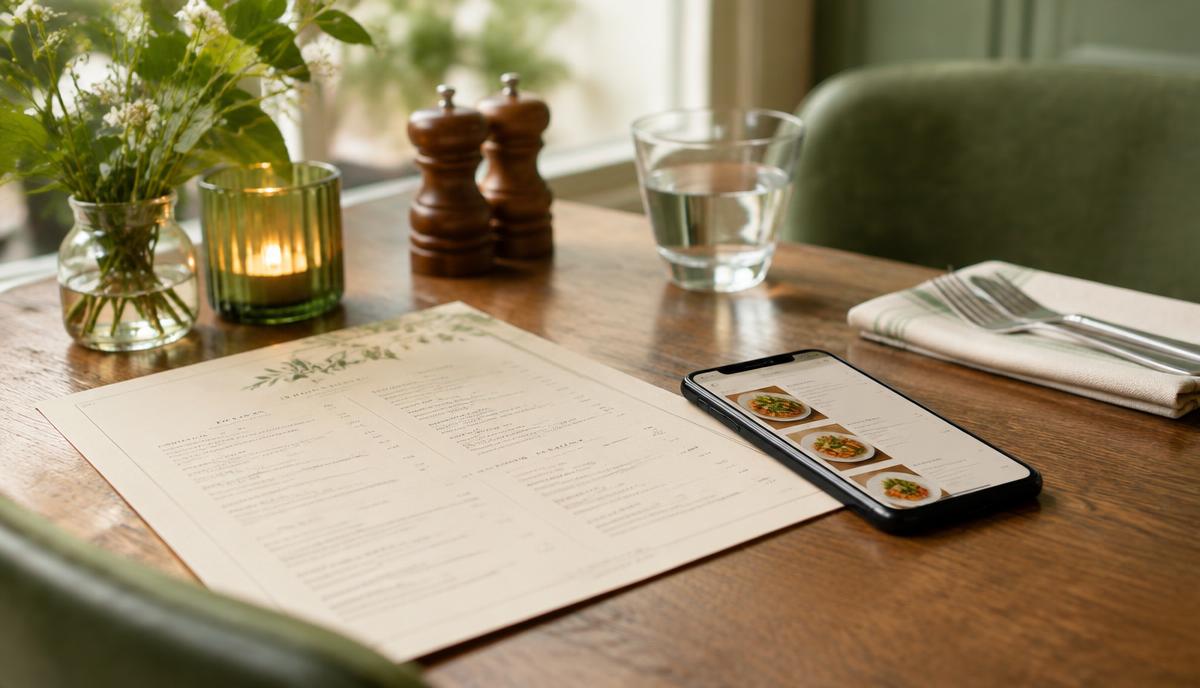
- Allergy menu – a customer-facing document (printed, digital, or QR code) that shows the allergens in each dish on your menu. Used in restaurants, cafés, pubs, takeaways.
- Allergen statement – written information about allergens that you must be able to provide on request. Can take many forms: a matrix, a folder, a digital lookup. Required by FIR 2014 for non-prepacked food.
- PPDS label – a physical label on a pre-packed-for-direct-sale item (sandwich, salad pot, wrap made on site and put in a fridge before sale). Required by Natasha's Law since 2021.
An allergy menu is one way to deliver an allergen statement, but it doesn't replace PPDS labels – those still go on the wrapped item itself.
What UK law actually requires
Under the Food Information Regulations 2014, every UK food business has to:
- 1Provide accurate allergen information for every food sold.
- 2Make that information available before the customer buys – not after.
- 3Cover all 14 regulated allergens.
- 4Be able to back up verbal information with written records.
The law does not specify the format. A laminated menu card, a QR code linking to a website, a folder behind the counter, a wall-mounted board, a tablet on the bar – all are legitimate, as long as the customer can access the information before ordering and the information is accurate.
What is not legitimate:
- "Please ask staff" with no written information to back it up
- A disclaimer like "may contain traces of all allergens"
- An allergy menu that's six months out of date
- Information only available after the customer has paid
The 14 allergens your menu must cover
Every dish on your allergy menu has to be assessed against all 14, named exactly as the law names them:
- 1Celery
- 2Cereals containing gluten (wheat, rye, barley, oats)
- 3Crustaceans
- 4Eggs
- 5Fish
- 6Lupin
- 7Milk
- 8Molluscs
- 9Mustard
- 10Tree nuts
- 11Peanuts
- 12Sesame
- 13Soya
- 14Sulphur dioxide and sulphites
For a full explanation of each, including the hidden sources that catch businesses out, see the 14 food allergens explained.
Seven things every UK allergy menu needs
A defensible allergy menu has all of these:
- 1The dish name – exactly as it appears on the customer menu.
- 2A short ingredient summary – enough that a customer can recognise the dish.
- 3An allergen indicator for all 14 allergens – most commonly a grid with ticks, but icons or written lists work too.
- 4A "may contain" distinction – separate from "contains," for real cross-contamination risks.
- 5A "last updated" date – visible to the customer.
- 6A clear instruction for severe allergies – "If you have a severe allergy, please speak to a member of staff before ordering."
- 7Consistency with your kitchen records – the allergy menu must match the allergen matrix the kitchen works from.
Worked example: writing one menu line
Take a dish: "Roasted butternut squash risotto with sage butter and crispy pancetta."
Walk it through:
- Butternut squash – no allergens
- Risotto rice – no allergens
- Vegetable stock – check the spec; often contains celery and sometimes wheat
- Onion, garlic, white wine – no regulated allergens (wine can contain sulphites; check the spec)
- Butter – milk
- Sage – no allergens
- Pancetta – usually none, but check; some cures use mustard or sulphites
- Parmesan (probably present) – milk
- Olive oil to finish – no allergens
The line for your allergy menu:
> Roasted butternut squash risotto – risotto rice, butternut squash, onion, garlic, white wine, vegetable stock, butter, parmesan, sage, pancetta. > Contains: celery, milk, sulphites. > May contain: gluten (shared kitchen with wheat flour).
That's a defensible entry. Notice what it does not say:
- It doesn't say "suitable for vegetarians" without checking the parmesan (most parmesan uses animal rennet).
- It doesn't say "gluten-free" – even though no gluten ingredient is in the recipe, the cross-contamination risk means it isn't.
- It doesn't list "may contain" against every allergen "just in case."
Common wording mistakes
These are the lines that cause real problems on real menus:
"May contain traces of all allergens"
This isn't compliance – it's an admission that you haven't done the work. EHOs treat it as a red flag. So do allergic customers, who will simply leave.
"Gluten-free option available"
If the dish is prepared in a kitchen that handles wheat, it isn't gluten-free – it's "no gluten-containing ingredients." The distinction matters legally for coeliac customers. Use "no gluten-containing ingredients (cross-contamination possible)" instead.
"Suitable for vegans" without checking honey, dairy stocks, gelatine
Vegan claims are a separate regulatory question (the FSA published guidance in 2024) but they intersect with allergens – vegan items often use soya, lupin, sesame, or nuts as replacements. Audit them with the same rigour.
"Ask staff for allergen information"
Legitimate only if the staff member can pull out a written, current allergen matrix or printout within seconds. If they have to "go and ask the chef," you don't have a system.
"We cannot guarantee a 100% allergen-free environment"
This is a useful caveat – but it doesn't override your obligation to provide accurate information for the allergens you can identify. Use it alongside accurate per-dish allergen data, not instead of it.
Paper, laminated card, QR code: which format?
All three are legal. The differences are practical:
- Printed paper menu – fine for fixed menus that change once or twice a year. Falls apart for anything else.
- Laminated card behind the counter – works for small menus. Almost always out of date within weeks. Single point of failure.
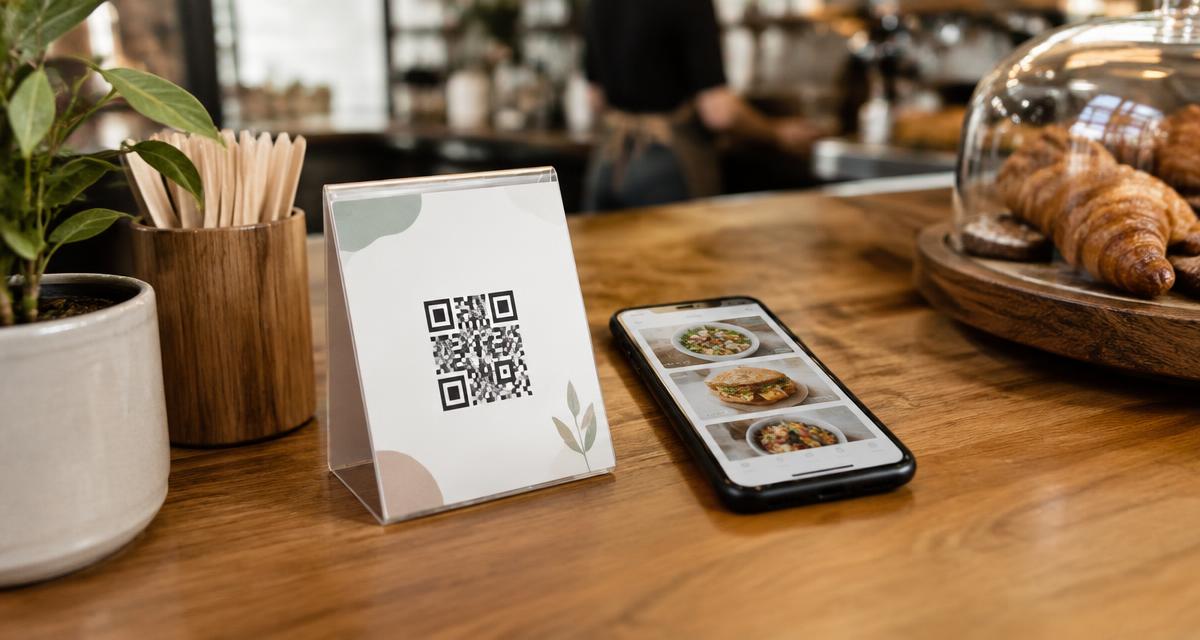
- QR code / digital allergy menu – the customer scans, sees the current information, and you update it once when recipes change.
The "we updated the recipe but forgot the laminated card" failure is one of the most common ways UK businesses end up in front of an EHO. A digital allergen menu removes it entirely: the customer sees what's true today, not what was true in March.
You can see what one looks like on our live demo menu.
Keeping the menu in sync with the kitchen
The allergy menu is only as good as the system behind it. If the chef changes the marinade on Friday and the allergy menu still says "no sulphites," you have a legal exposure and a customer safety risk.
The discipline that prevents this: change the recipe, change the record, then serve. No exceptions for specials, no "we'll update it tomorrow." The record is part of the recipe.
For more on this discipline and the systems that enforce it, see allergen management software.
Specials, daily menus, and pop-ups
Specials are where most allergy menus break down. The kitchen invents a dish at 4pm, writes it on the board at 5pm, sells it at 6pm – and nobody updates the allergen information until next week.
The workable rule: no special goes on sale until its allergen information is written down. With a paper matrix that's friction. With a digital allergen menu it's thirty seconds: add the dish, tick the allergens, the QR menu updates.
A defensible allergy menu in one afternoon
If you don't have one in place:
- 1Build the underlying allergen matrix – every dish, every allergen.
- 2Format it as a customer-facing document with the seven elements listed above.
- 3Add the "severe allergy" instruction and the last-updated date.
- 4Decide your distribution: printed, QR code, or both.
- 5Brief every staff member on where the allergy menu lives and how to use it. See our allergen training for staff guide.
- 6Diary a monthly review.
Where Allergenius fits
Allergenius is built to be your allergy menu. Enter each dish once, tag the allergens, and the customer sees a clean QR-accessible menu that's always current. Update a recipe and the customer view updates instantly. PPDS labels, kitchen printouts, and EHO reports all come from the same single source of truth.
Ready to Simplify Allergen Management?
If you're looking for a solution to display your allergens to your customers, Allergenius makes it easy with digital menus and QR codes.
Get the free allergen matrix (PDF + editable Excel)
Enter your details and we'll email you both versions – the printable PDF for the kitchen wall, and the fill-in Excel version for your computer.
We'll email your download link straight away. A member of our team may be in touch to see how you're getting on. See our privacy policy.