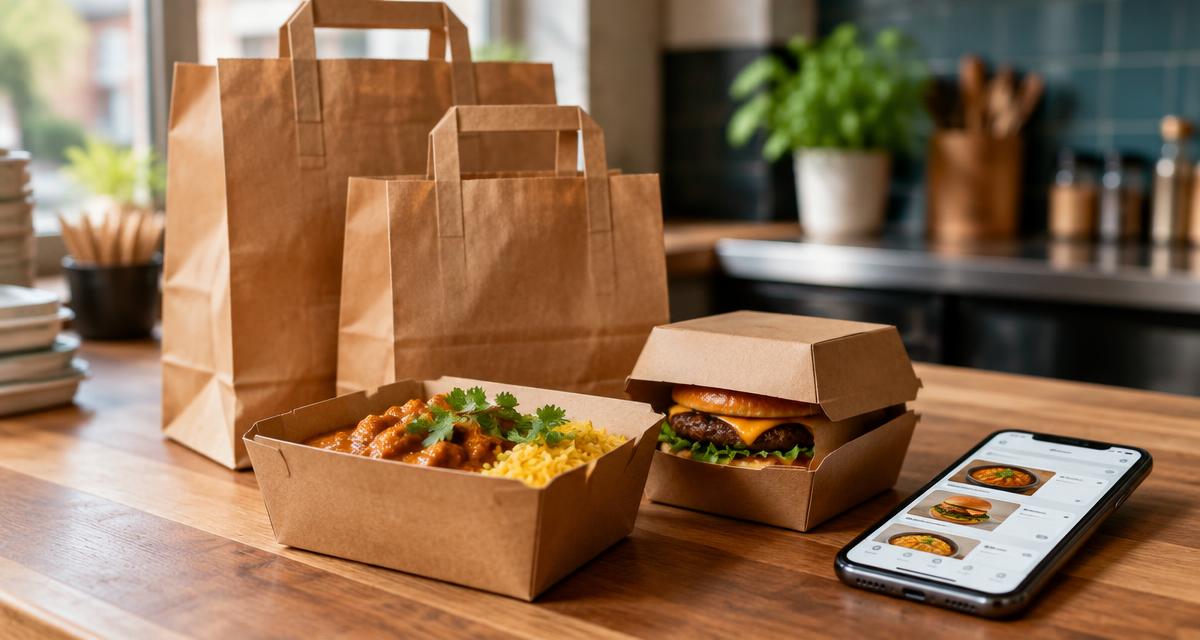
More food than ever is ordered without the customer ever stepping inside — by phone, through your own website, or via apps like Deliveroo, Just Eat and Uber Eats. What many takeaway and delivery businesses don't realise is that the allergen rules for these "distance sales" are stricter than for food served on the premises. Here's what the Food Standards Agency (FSA) requires, and how to get it right.
What Counts as Distance Selling?
Distance selling means any food sold where the customer isn't physically present when they order. That includes:
- Orders placed by phone
- Orders through your own website or app
- Orders through third-party platforms (Deliveroo, Just Eat, Uber Eats)
- Click-and-collect orders placed online
If your business takes orders any of these ways, the distance-selling rules in the Food Information Regulations 2014 apply to you.
The Two-Stage Requirement
This is the part businesses most often miss. For distance sales, allergen information must be provided twice:
Stage 1 — Before the order is placed. The customer must be able to find out which of the 14 regulated allergens are in your food before they commit to buying. For phone orders this can be given verbally by staff, but for online orders it should be available in writing on the ordering page or via a clear link.
Stage 2 — When the food is delivered. The allergen information must be provided again, in writing, at the point of delivery. This can be:
- A sticker or label on the container
- A printed copy of the allergen menu in the bag
- A written note referencing where the full information can be found (for example, a QR code linking to your written allergen menu)
The written information at delivery matters because the person who placed the order is not always the person who eats the food — think office orders, or a parent ordering for a child.
Phone Orders
For phone orders, stage one can be verbal: your staff tell the customer about allergens during the call. But this only works if your team actually has accurate, up-to-date information to hand. A scribbled matrix from six months ago isn't good enough — staff need current allergen details for every dish, and they need to know how to handle "is this suitable for a nut allergy?" questions.
Stage two still applies: written allergen information must arrive with the food.
Third-Party Delivery Apps
Listing your menu on Deliveroo, Just Eat or Uber Eats does not transfer your legal responsibility. You remain responsible for the accuracy of the allergen information shown on those platforms.
Practical points:
- Keep your allergen data on each platform up to date whenever recipes, ingredients or suppliers change
- Check how each platform displays allergen information — some bury it several taps deep
- Don't rely on the platform's generic disclaimers; your dish-level information must be correct
- Remember the delivery-stage requirement still applies, so include written information in the bag or a clear route to it
PPDS and Non-Prepacked Food
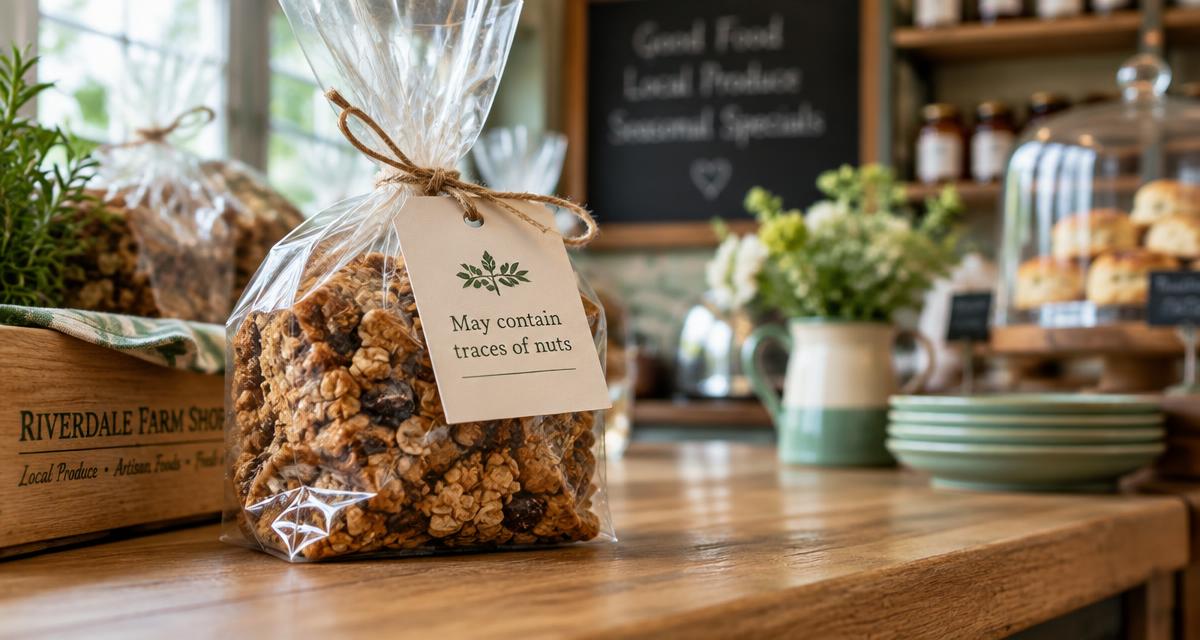
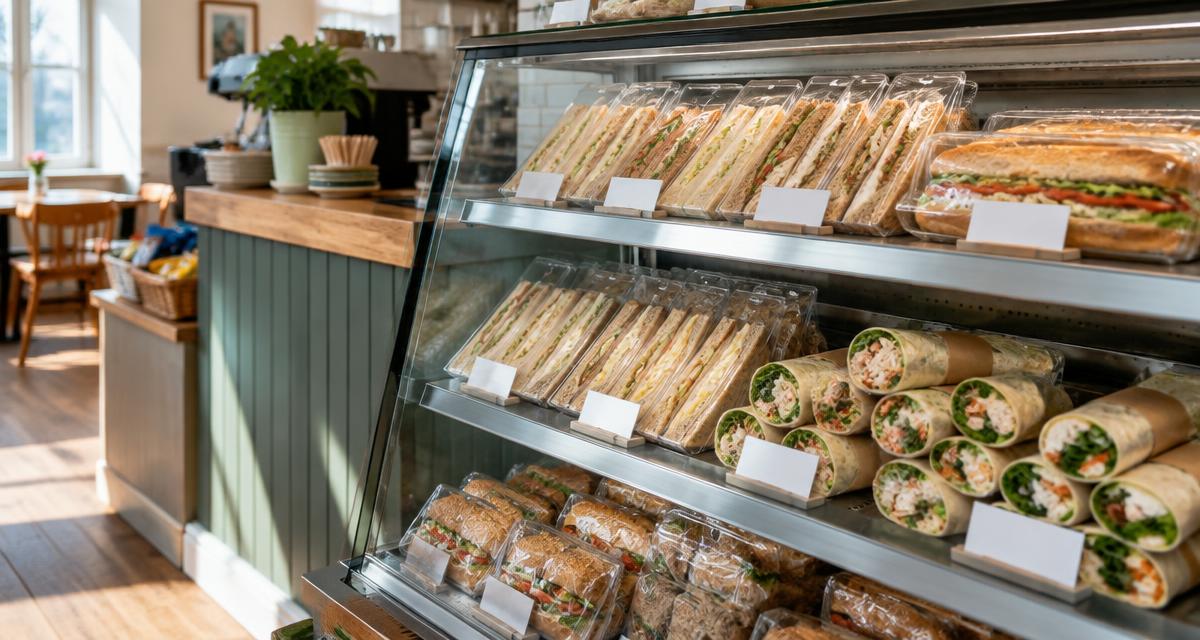
Most takeaway food is non-prepacked, which is why the two-stage rule applies. But if you also sell prepacked for direct sale (PPDS) items — sandwiches made and wrapped on-site before the customer orders, for example — Natasha's Law applies instead: those products need a full ingredient list with allergens emphasised on the label. Many takeaways sell both, so check which rules apply to each product line.
Common Mistakes to Avoid
- Only providing allergen information on request. For online orders, it must be available before purchase, not just when someone asks.
- Forgetting the delivery stage. Verbal information at the point of order doesn't cover the written requirement on delivery.
- Assuming the delivery app handles it. The legal duty stays with you.
- Out-of-date information. A supplier swap or recipe tweak must flow through to every channel you sell on — website, apps, phone script and printed materials.
- Blanket "may contain everything" statements. These don't meet the requirement to give accurate, dish-specific information.
A Simple Way to Cover Both Stages
A digital allergen menu linked by QR code is one of the simplest ways to meet both stages at once. Link to it from your online ordering page (stage one), and print the same QR code on your packaging, stickers or receipts (stage two). Because the menu is digital, one update flows to every channel — no reprinting, and no risk of the app showing last month's information.
With Allergenius, you can update a dish's allergen information in seconds and know that every QR code, every scan and every customer sees the current version.
Frequently Asked Questions
Ready to Simplify Allergen Management?
If you're looking for a solution to display your allergens to your customers, Allergenius makes it easy with digital menus and QR codes.
Get the free allergen matrix (PDF + editable Excel)
Enter your details and we'll email you both versions — the printable PDF for the kitchen wall, and the fill-in Excel version for your computer.
We'll email your download link straight away. A member of our team may be in touch to see how you're getting on. See our privacy policy.