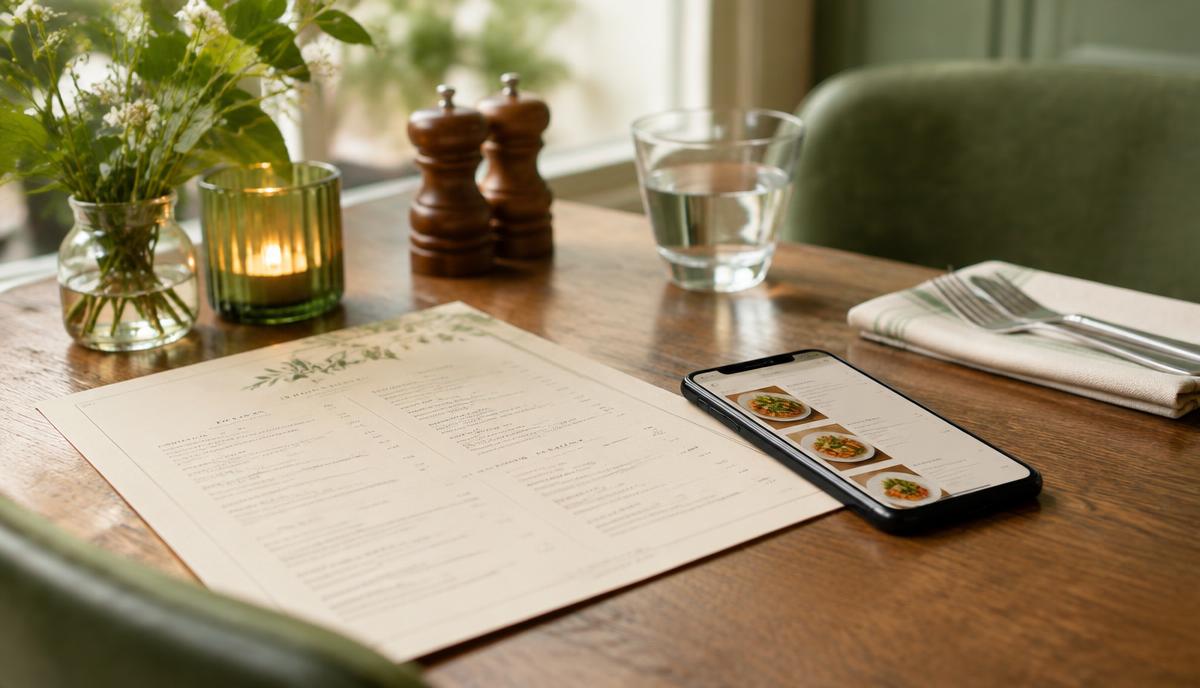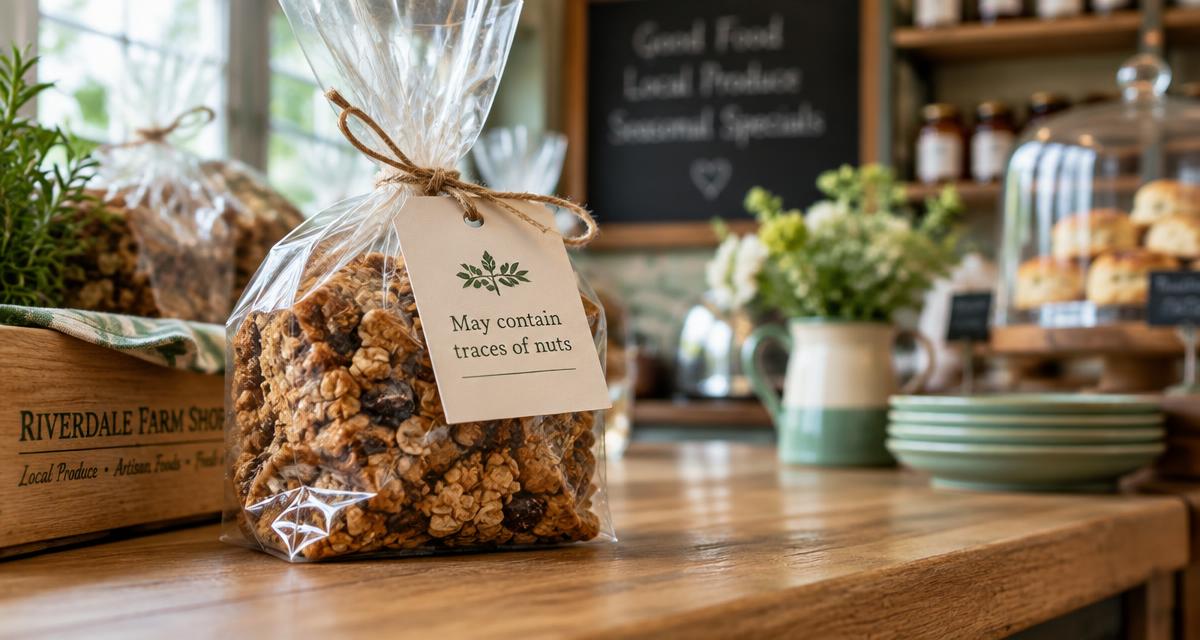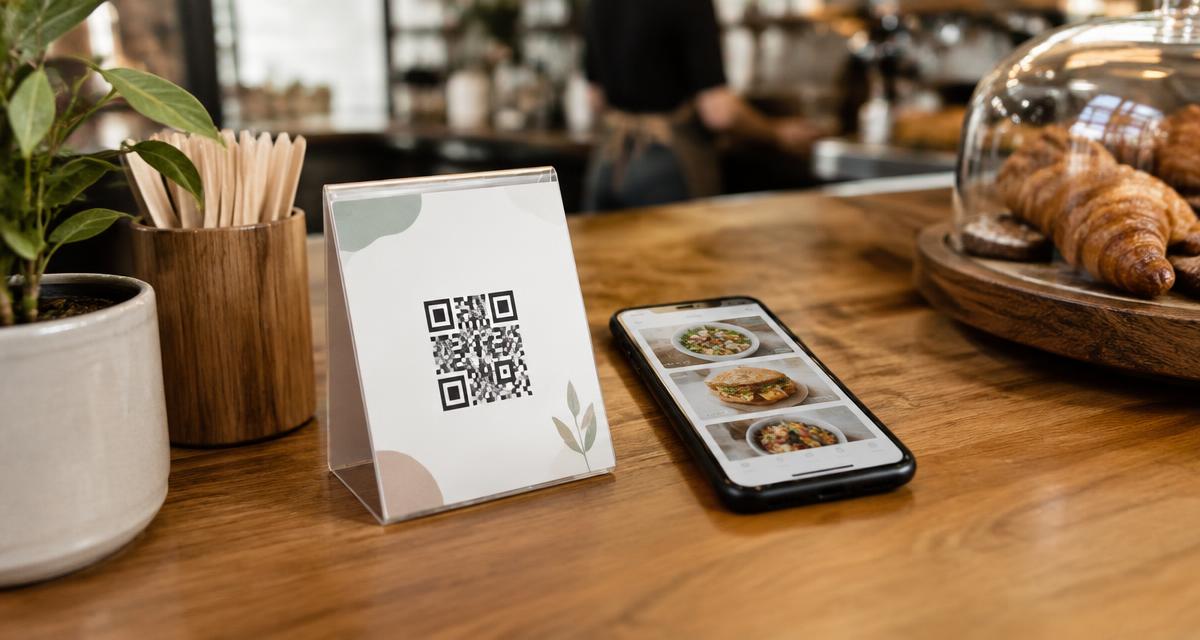
If you are thinking about swapping your allergen folder for a QR code allergen menu, the big question is simple: is it allowed? The short answer is yes. UK rules let you give allergen information in paper or digital form, and the Food Standards Agency (FSA) says so in its guidance. But a QR code on its own is not the whole job. You also need a backup for customers who cannot use it, information that is always accurate, and staff who still have the allergen conversation.
This guide explains what is law, what is only best practice, and what is still just a proposal, so you can set up a digital allergen menu with confidence.
Latest update (13th October 2026)
- Law today: you must tell customers if any of the 14 allergens are in non-prepacked food. You can do this by any means, including verbally, as long as a sign tells customers to ask. This has not changed.
- Best practice, not law: the FSA's 2025 guidance asks businesses to give allergen information in writing and back it up with a conversation. It says written information can be paper or digital.
- Still proposed: Owen's Law, which would make written allergen information compulsory in restaurants and cafés, had not been enacted as of September 2026, according to Leigh Day. The government committed to evaluating how businesses take up the guidance, starting in spring 2026 (C&C Solicitors).
The short answer: yes, a QR code allergen menu can be compliant
There is no UK law that bans digital allergen information. In fact, the FSA's best practice guidance for non-prepacked food states plainly: "Food businesses can decide whether to provide allergen information in paper or digital format" (FSA guidance, paragraph 44).
The guidance lists "a menu (paper or digital)" as one of the ways to provide written information, alongside a separate allergen matrix or a label next to the food. Whichever method you choose, it "must be easy for consumers to understand the information and to access, either themselves or by asking staff" (paragraph 41).
So a QR code is a perfectly good way to deliver your allergen menu. Compliance depends on how you run it, not on the format.
What the law says and what the FSA guidance says
It helps to separate three layers, because they are often mixed up online.
- The law for non-prepacked food (law now): tell customers if any of the 14 allergens are used. Information can be given by any means, with a sign if it is given verbally. Information must be accurate.
- FSA best practice guidance, 2025 (best practice, not legally required): give allergen information in writing, upfront where possible, and support it with a conversation. Paper or digital is fine. Have a backup for digital.
- Owen's Law (proposed only, not law): would make written allergen information on menus compulsory.
The legal minimum
The FSA guidance confirms that food businesses "must inform consumers if they have used any of the 14 mandated allergens" and that "the minimum legislative requirement for information to be provided by any means (with a sign indicating when it will be provided verbally) has not changed" (paragraphs 1 and 23). If you want a refresher on the 14, see our guide to the 14 food allergens in the UK.
The best practice layer
The 2025 guidance raises the bar. It says it is best practice to "make allergen information easily available in writing for consumers and ensure staff are able to support this with a conversation" (paragraph 28). It also says the information should be "readily available, if possible, without consumers having to ask for it" (paragraph 37).
The guidance is clear that "you are not required by law to follow best practice guidance" (paragraph 17). But an environmental health officer (EHO) will know it well, and following it is the safest way to show you take allergens seriously. Our summary of the FSA 2025 written allergen guidance covers it in more detail.
Why digital fits well with what customers trust
The FSA's own research found that 87% of adults with a food hypersensitivity who eat out are confident that printed or written information is reliable, and 80% are confident in digital information, compared with 75% for verbal information from staff (FSA research, published 7th October 2025).
The same research found that 38% of these customers feel awkward or embarrassed asking staff about food, and 22% of those who did not get allergen information simply could not see it and did not ask. A clear QR code that customers can scan quietly at the table helps with both problems.
Accessibility: plan for customers who cannot scan
This is the part many QR menu set-ups miss. The FSA guidance says that if you provide allergen information digitally, you "should have an alternative way of accessing the information for those who may not be able to access the information digitally and as a backup should there be a problem with the digital information" (paragraph 45).
Think about who might not be able to use your QR code:
- Customers without a smartphone, or with a flat battery
- Customers with poor signal or no data, common in rural pubs, basements and outdoor events
- Customers with sight loss or who find small screens hard to read
- Moments when your Wi-Fi, website or menu provider has a problem
Simple backups that work:
- A printed copy of the same allergen information kept behind the counter or bar
- A tablet or till screen staff can show the customer
- Staff trained to talk through the allergen information with the customer
The key is that the backup says exactly the same thing as the QR menu. If you print a copy, reprint it every time a recipe or supplier changes.
Keep the QR menu, the printout and staff answers consistent
The biggest risk with any allergen system is two versions that disagree. The FSA says businesses "should have procedures in place to ensure that their allergen information is accurate and up to date at all times" (paragraph 58), and recommends "keeping a record of recipes so they are made to the same specification each time" (paragraph 59).
Practical ways to keep everything in line:
- Make one record the master copy. Every other version, including the printed backup, comes from it.
- Update the master the moment a recipe, ingredient or supplier changes, before the dish is served.
- Tell the team about every change at the next briefing.
- Check supplier labels on deliveries, because brands sometimes change recipes without warning.
- Date your printed backup so staff can see at a glance if it is out of date.
A digital allergen menu makes this much easier. With Allergenius, you edit a dish once and the change is live straight away on the QR code and the shareable link, so customers never see an old version. Staff can open the same menu on their phone or the till to answer questions. For more on staff responsibilities, see what restaurant staff must legally know about allergens.
Keep the conversation going
A QR code does not replace talking to customers. The FSA says businesses "should ask all consumers whether they have any allergen requirements to encourage these discussions" (paragraph 66), and that signs should be "in a prominent position, within a consumers eyeline or placed in a clearly visible place on menus" (paragraph 67).
A good table tent or till sign does both jobs at once. Something like: "Allergies? Scan for full allergen information, then please tell us about your allergy before you order." The FSA's own suggested wording is: "Please talk to us if you have a food allergy, intolerance or coeliac disease. We want to cater safely for everyone."
Takeaways, delivery and online ordering
If you take orders online or by phone, the rules on timing matter. The FSA guidance says written allergen information should be available "both before the food is ordered and when it is delivered" (paragraph 46). For your own website, it should ideally be on the main menu or "no more than 'one click away'" (paragraph 47).
A shareable allergen menu link is useful here. You can put it on your website, your Google Business Profile and your delivery app listing, and print the QR code on menus that go out with orders. Our takeaway and delivery allergen rules guide covers the rest of the distance-selling rules.
Paper folder vs spreadsheet matrix vs QR code allergen menu
Paper allergen folder
- Meets FSA format guidance: yes, if easy to find and up to date
- Customer can check without asking: only if left out on display
- Updating after a recipe change: reprint and replace every copy
- Risk of out-of-date copies: high
- Customer can filter by allergen: no
- Works with no phone or signal: yes
- Cost: printing and staff time
Spreadsheet allergen matrix
- Meets FSA format guidance: yes, if easy to find and up to date
- Customer can check without asking: only if printed and displayed
- Updating after a recipe change: edit, then reprint every copy
- Risk of out-of-date copies: medium
- Customer can filter by allergen: no
- Works with no phone or signal: yes
- Cost: free template, plus staff time
QR code allergen menu
- Meets FSA format guidance: yes, with a backup for non-digital customers
- Customer can check without asking: yes, scan at the table or till
- Updating after a recipe change: edit once, live straight away
- Risk of out-of-date copies: low, as long as backups are refreshed
- Customer can filter by allergen: yes, with most allergen menu tools
- Works with no phone or signal: needs a printed or staff backup
- Cost: monthly subscription
Many businesses use a mix: a digital menu as the main source, with a printed copy as the backup. If you are starting from paper, our guide on how to switch from paper allergen folders to digital menus walks through the move step by step. If you want to start with a spreadsheet first, download our free allergen matrix template.
Checklist for choosing a QR code allergen menu tool
Use this when comparing digital allergen menu providers:
- Covers all 14 UK allergens for every dish
- No app download needed for customers
- Customers can filter the menu by their allergens and dietary needs
- Changes go live instantly, with no reprinting of QR codes
- Gives you a shareable link for your website and delivery listings
- Easy to print a backup copy of the same information
- Handles more than one menu, such as specials, seasonal or event menus
- Handles more than one site if you have several locations
- Simple enough that any member of staff can update it
- Clear monthly pricing with no long contract
- Help with set-up if you do not have time to enter dishes yourself
Can you trust AI allergen detection?
Some menu tools now offer to "detect" allergens automatically from a dish name or a list of ingredients. This can save typing, but treat it as a first draft, never the final answer.
An AI tool cannot know that your pesto contains cashews instead of pine nuts, that your supplier's sausages contain sulphites, or that your fryer oil is shared with battered fish. Only your recipes and your suppliers' specification sheets can tell you that. The FSA expects you to have procedures that keep information accurate "at all times", and the legal responsibility for allergen information stays with your business, whatever software you use.
If you use any automatic suggestions, check every dish against your recipe record and supplier labels before it goes live. Our EHO allergen inspection guide explains the kind of records an inspector may ask to see.
How Allergenius helps
Allergenius was built for exactly this situation. You add your dishes and tick the 14 allergens, and Allergenius gives you a QR code and a shareable link. Customers scan with their phone camera, with no app needed, and filter the menu to see what is safe for them. When a recipe changes, you update it once and it is live straight away.
Plans start at £9 a month (Starter), with Growth at £17 and Pro at £35 for businesses with more menus or locations. See pricing for details. If you would rather not enter everything yourself, our done-for-you set-up costs £125.
Ready to see it in action?
See exactly what your customers would see: open the Allergenius demo menu on your phone. When you are ready, sign up for Allergenius and have your QR code allergen menu live today.
Frequently Asked Questions
Ready to Simplify Allergen Management?
If you're looking for a solution to display your allergens to your customers, Allergenius makes it easy with digital menus and QR codes.
Get the free allergen matrix (PDF + editable Excel)
Enter your details and we'll email you both versions – the printable PDF for the kitchen wall, and the fill-in Excel version for your computer.
We'll email your download link straight away. A member of our team may be in touch to see how you're getting on. See our privacy policy.